
You can enable the option “Force signin via ID Provider” so that users always log in through the ID provider you have configured.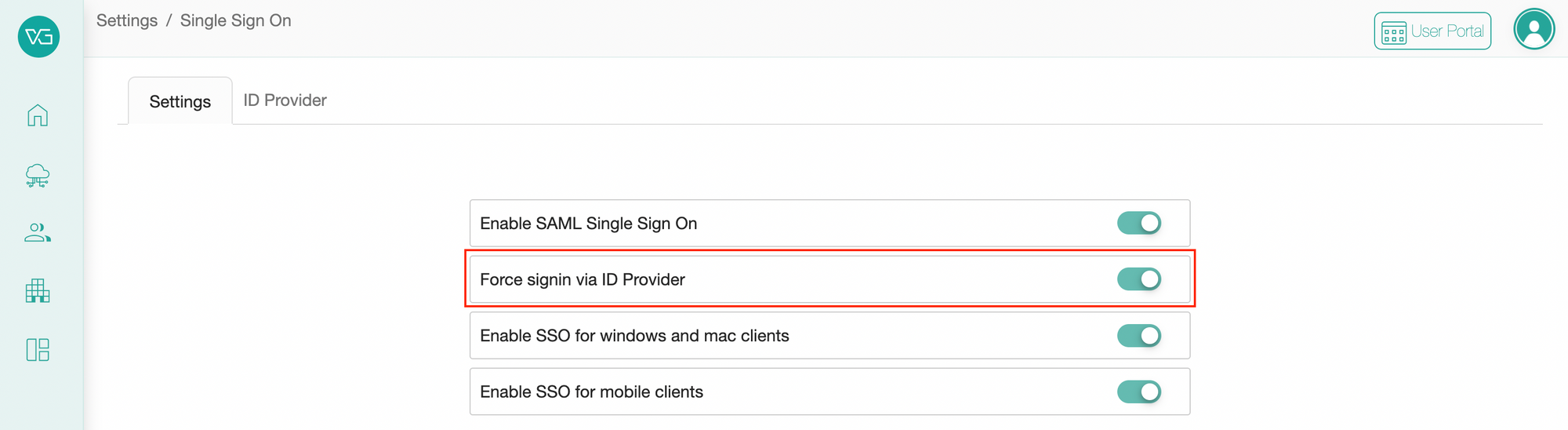
Below, we will show some examples of what the user experience is like. In our examples, we have already configured Azure AD as the ID Provider.
Force ID Provider on the web
1. Suppose a user goes to portal.vertexgraph.cloud/signin on the web browser, enters the email, and click “Continue”.
2. Then the user is taken to the page for signing in via Microsoft.
Force ID Provider on the desktop client
1. Suppose a user opens the desktop client, and enters the username, then click “Continue”.
2. The user is taken to the Microsoft login page automatically.
Force IDP for organization-branded domain
1. As an admin, you can configure the organization's custom domain in the Branding Settings.
2. Then suppose a user navigates to that branded URL.
3. The user gets taken to the Microsoft login page automatically without needing to enter email at all.
Comments
0 comments
Please sign in to leave a comment.